Creator
Vlogging & Creator Cameras
Cameras built for talking to a lens: flip-out screens, autofocus that stays locked on your face, clean 4K and a mic input that works.
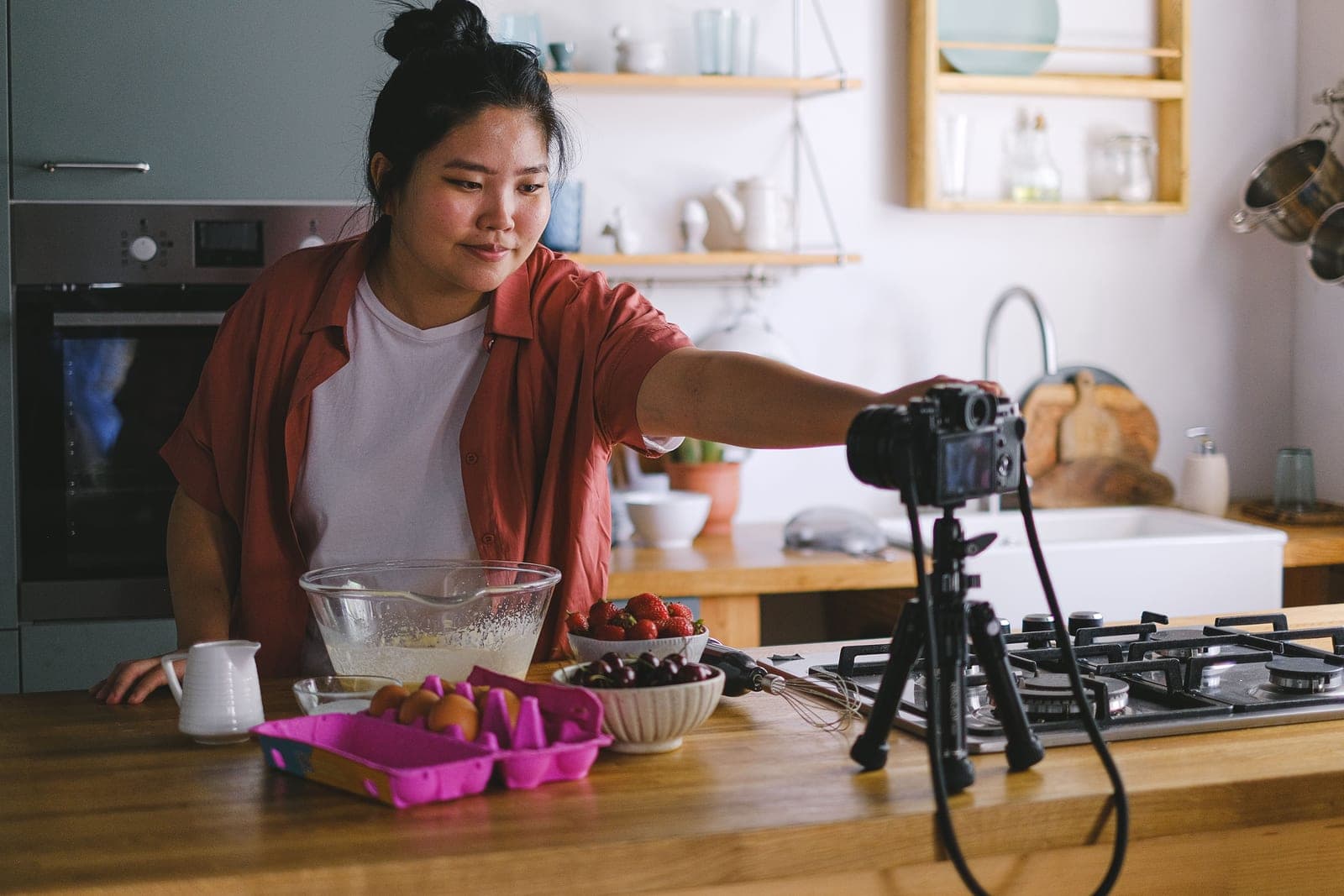
A vlogging camera has a different job from a photography camera, and the spec sheet that sells one badly describes the other. What matters when the camera is pointed at you is a screen that flips to face you, autofocus that holds your eye while you move, a wide-enough lens that your arm isn't the whole frame, and audio that doesn't sound like a tin can. Resolution barely makes the top five. We rank these cameras on the features that survive contact with an actual filming day — and we flag the ones whose headline 4K comes with a recording limit or an overheating warning buried in the manual.
We earn a commission when you buy through our Amazon links, at no extra cost to you. It never decides our rankings — we say so when the cheaper pick is the better buy. How this works.
Start here
The Best Vlogging Cameras for Beginners
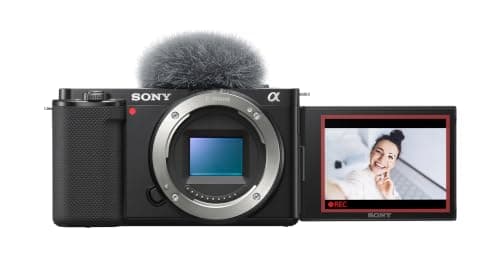
The Sony ZV-E10 is our top beginner vlog pick; the DJI Osmo Pocket 3 wins for effortless walking footage. Five picks, ranked with live prices.
Read the guide →
Everything in this hub
All vlogging cameras
Roundup
The Best Vlogging Cameras for Beginners
The Sony ZV-E10 is our top beginner vlog pick; the DJI Osmo Pocket 3 wins for effortless walking footage. Five picks, ranked with live prices.
5 picks · 4 with live prices
Top pick: Sony ZV-E10
$798.00AmazonRoundup
The Best Cameras for YouTube
The Sony ZV-E10 is our top YouTube pick; the Canon R50 wins for the cleanest 4K. Six picks, ranked with live prices.
6 picks · 5 with live prices
Top pick: Sony ZV-E10
$798.00Amazon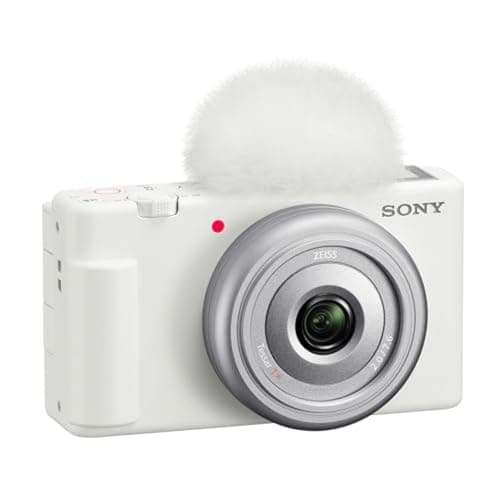
Roundup
The Best Budget Vlogging Cameras
The Sony ZV-1F is the cheapest way in; the Nikon Z30 and ZV-E10 give up the least. Five picks with live prices and the trade-offs spelled out.
5 picks · 5 with live prices
Top pick: Sony ZV-1F
$598.00AmazonRoundup
The Best Cameras for Content Creation
The Sony ZV-E10 is our all-round content pick; the Fujifilm X-S20 wins for creators ready to step up. Five picks, ranked with live prices.
5 picks · 4 with live prices
Top pick: Sony ZV-E10
$798.00Amazon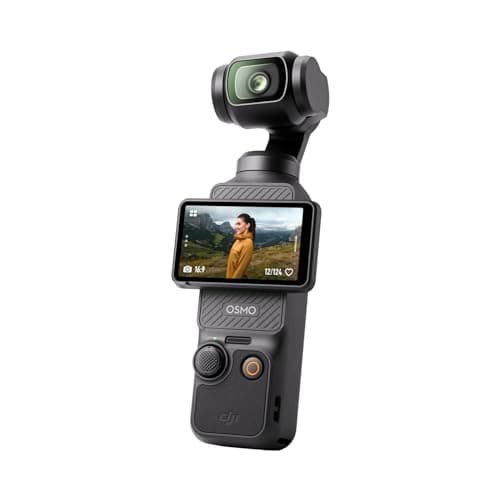
Roundup
The Best Compact Vlogging Cameras
The DJI Osmo Pocket 3 is our top compact pick for its built-in gimbal; the Sony ZV-1F is the cheapest way in. Four pocketable picks, ranked with live prices.
4 picks · 4 with live prices
Top pick: DJI Osmo Pocket 3
$395.00AmazonRoundup
The Best Cameras for Live Streaming
The Sony ZV-E10 is our top streaming pick; the Canon R50 is the cleanest all-rounder. Five picks ranked with live prices, USB and capture-card routes explained.
5 picks · 4 with live prices
Top pick: Sony ZV-E10
$798.00Amazon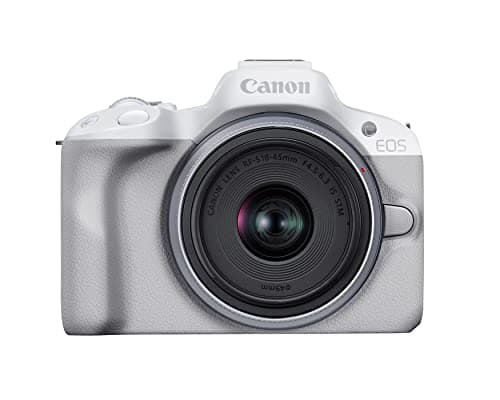
Roundup
The Best 4K Vlogging Cameras
The Canon EOS R50 is our top 4K pick for its clean, uncropped footage; the DJI Osmo Pocket 3 adds 4K/120 and a built-in gimbal. Five picks, ranked with live prices.
5 picks · 4 with live prices
Top pick: Canon EOS R50
Check price on Amazon →Roundup
The Best Travel Vlogging Cameras
The DJI Osmo Pocket 3 is our top travel pick for its pocket size and built-in gimbal; the Canon PowerShot V1 is the most versatile all-in-one. Five picks, ranked with live prices.
5 picks · 5 with live prices
Top pick: DJI Osmo Pocket 3
$395.00AmazonReview
DJI Osmo Pocket 3 Review
A 1-inch sensor bolted to a real 3-axis gimbal: the smoothest walking footage you can get without a stabilizer rig, in something that fits a jacket pocket.
1 picks · 1 with live prices
Top pick: DJI Osmo Pocket 3
$395.00Amazon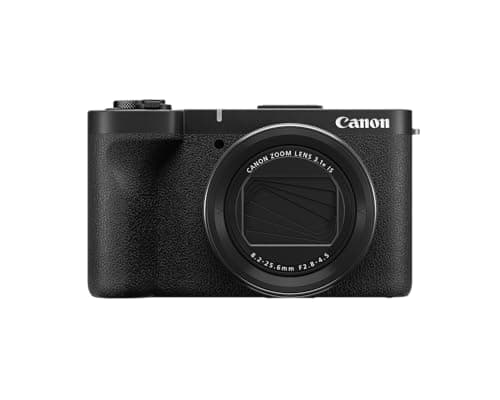
Review
Canon PowerShot V1 Review
The compact for creators who want one camera that does everything reasonably well: a 1.4-inch sensor, a 16-50mm-equivalent zoom, a 3-stop ND filter and unlimited 4K30. Bigger than a pocket camera, and honest about it.
1 picks · 1 with live prices
Top pick: Canon PowerShot V1
$777.05AmazonHead to head
Sony ZV-E10 vs ZV-1 II
Buy the ZV-E10 for a bigger sensor and lenses you can grow into; buy the ZV-1 II if pocketability and zero decisions matter more than image quality.
2 picks · 2 with live prices
Top pick: Sony ZV-E10
$798.00AmazonHead to head
DJI Osmo Pocket 3 vs Sony ZV-1F
Buy the Osmo Pocket 3 if you film while walking — the built-in gimbal is unmatched. Buy the ZV-1F if you film seated and want the lowest price of entry.
2 picks · 2 with live prices
Top pick: DJI Osmo Pocket 3
$395.00AmazonRoundup
The Best Cameras for TikTok Videos
The DJI Osmo Pocket 3 is our top TikTok camera for native vertical video and a built-in gimbal; the Canon R50 wins for sit-down clips with real background blur. Four picks, ranked.
4 picks · 3 with live prices
Top pick: DJI Osmo Pocket 3
$395.00Amazon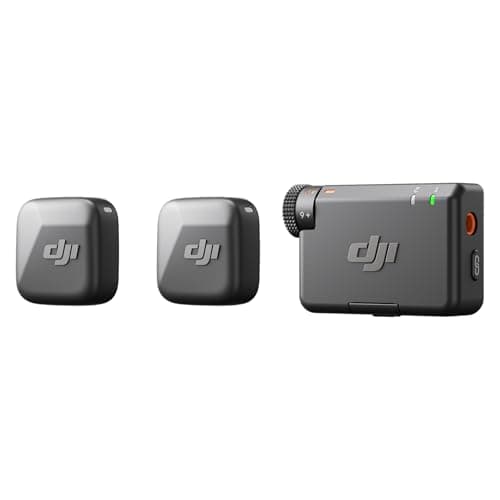
Buyer's guide
What Equipment Do You Need to Start a YouTube Channel?
Start a YouTube channel with a mic, a light and a tripod, and buy the camera last: your phone is enough at first. Our four-piece starter kit, in the order to buy it.
4 picks · 4 with live prices
Top pick: DJI Mic Mini (2 TX + 1 RX)
$79.00AmazonHead to head
Canon PowerShot V1 vs Sony ZV-1 II
The Canon PowerShot V1 wins on paper and usually on price: a larger 1.4-inch sensor, a wider 16-50mm zoom and a built-in ND. The ZV-1 II is the smaller, simpler camera.
3 picks · 3 with live prices
Top pick: Canon PowerShot V1
$777.05Amazon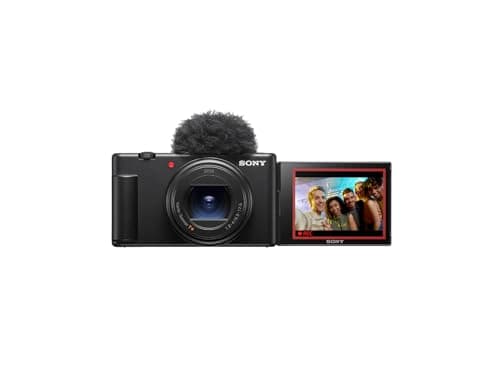
Head to head
Sony ZV-1 II vs ZV-1F
The ZV-1 II's 18-50mm zoom and hybrid autofocus make it the better camera; the ZV-1F is the value pick for arm's-length vlogging. Check the Canon V1 before paying full ZV-1 II money.
3 picks · 3 with live prices
Top pick: Sony ZV-1 II
$998.00Amazon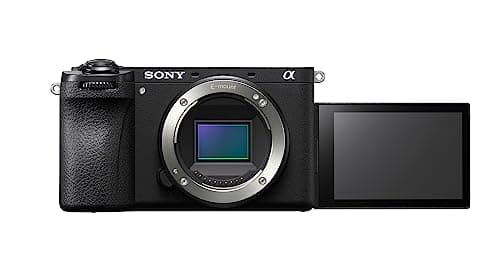
Buyer's guide
Do You Need 10-Bit Video?
If you grade your footage, yes - 10-bit log is what survives the grade. If you post straight out of camera, it costs you storage and buys you nothing. Four cameras that have it.
4 picks · 4 with live prices
Top pick: Sony a6700
$1,498.00AmazonReview
Sony ZV-1 II Review
The pocket vlogging camera to buy if you want one object and no lenses: an 18-50mm equivalent zoom, a built-in 3-stop ND filter and a flip-out screen in 292g. Rated for 45 minutes of 4K, with no headphone jack - we say plainly who should buy it anyway.
3 picks · 3 with live prices
Top pick: Sony ZV-1 II
$998.00Amazon
How we choose
Our method for this category
We weigh the vlogging-specific specs first: front-facing screen, real-time eye and face autofocus, 4K frame rates and any record limits, in-body or digital stabilization, a microphone input (and headphone jack, if present), and how wide the lens goes. Battery life and weight break ties. Prices are live; the specs come from manufacturer documentation, not from a testing lab we don't have.
Questions