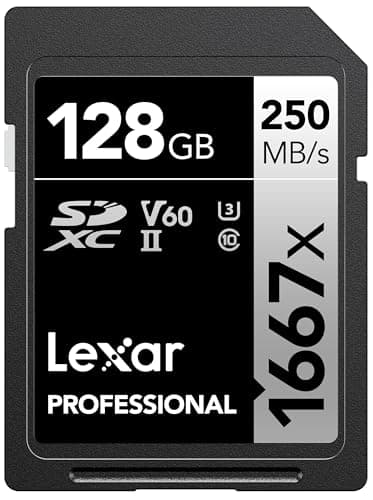
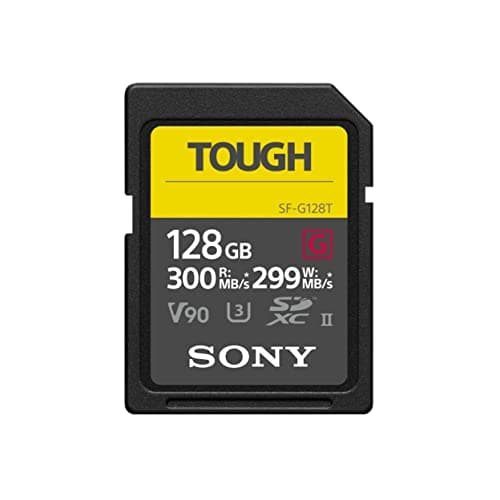
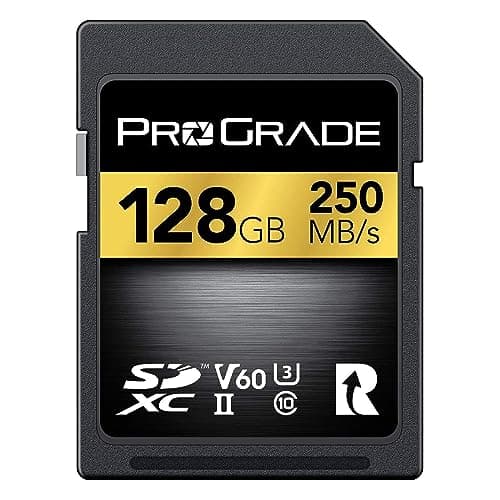
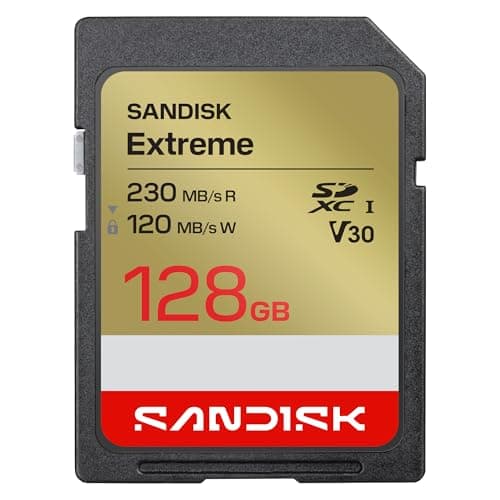
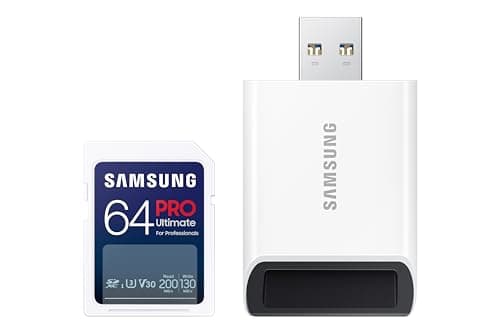
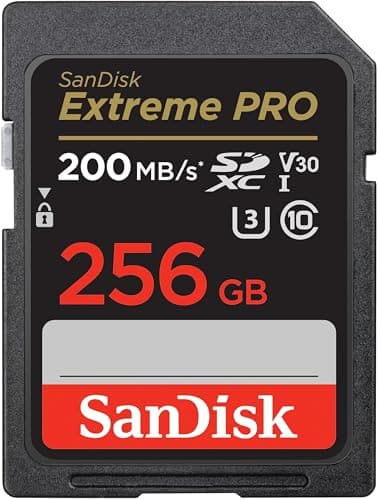
For most 4K shooters the SanDisk Extreme PRO (V30) is the safe default — a V30 rating guarantees the sustained write speed 4K needs, and it works in essentially every camera. If you shoot high-bitrate 4K/60 or a lot of slow-motion, step up to a V60 card like the Lexar 1667x or ProGrade Digital for headroom. Here's the one thing you have to understand first.
The number that matters for 4K is the V-rating (sustained write speed) — not the big read speed printed on the front of the card. That headline "200MB/s" figure is a read speed: how fast the card hands footage to your computer when you offload. Video recording is a writejob, and it demands a steady, guaranteed floor the card can sustain for minutes on end. A card with an eye-catching read speed but a low or missing V-rating can still stutter and drop frames while recording. Get this one distinction right and you'll never buy the wrong card again.
How to choose an SD card for 4K video
Read speed vs write speed — the mistake almost everyone makes
Card packaging leads with a large read speed (say, "up to 200MB/s") because it's the biggest number available. But read speed only affects how quickly you copy files off the card afterward. Recording video is writingdata continuously, and the write speed is usually far lower than the read speed — and often not even printed on the front. Two cards can share the same read speed while one drops frames in 4K and the other doesn't. Never buy an SD card for video on the read number alone.
The V-rating: the spec that actually protects your footage
The SD Association created the Video Speed Class precisely because video needs a guaranteed minimum sustained write speed, not a peak burst. The rating is printed as a V followed by that floor in megabytes per second:
- V30 — 30MB/s sustained floor. The minimum for 4K, and enough for nearly all consumer 4K/30 and standard 4K/60. The SanDisk Extreme PRO, SanDisk Extreme and Samsung PRO Ultimate are V30 cards — which is why Extreme vs Extreme PRO comes down to price per gigabyte rather than video performance.
- V60 — 60MB/s sustained floor. Real headroom for high-bitrate 4K/60, 6K and slow-motion. The Lexar 1667x and ProGrade Digital are V60 cards.
- V90 — 90MB/s sustained floor. Overkill for most beginners, but the safety margin for the most demanding 4K/120 and high-bitrate professional modes. The Sony TOUGH-G is a V90 card.
The rule is simple: V30 is the minimum for 4K; buy V60 or V90 for headroomif you shoot high frame rates or high-bitrate modes. Check your camera's manual for the minimum card class it recommends and match or exceed it — that recommendation is the honest answer for your specific body. For the bitrate math behind each class, see SD card speed classes explained.
UHS-I vs UHS-II — the bus, and why it only sometimes matters
You'll also see "UHS-I" or "UHS-II." This is the bus — the electrical interface — and it mainly governs top speed. UHS-II cards (the Lexar, Sony and ProGrade here) have a second row of pins and can read and write much faster, which speeds up offloads and enables the V60/V90 ratings. But a UHS-II card only reaches those speeds in a camera or reader that supports UHS-II; in a UHS-I camera it politely falls back to UHS-I rates. So a UHS-II card is only worth the premium if your camera (or at least your card reader) can use it.
Capacity, reliability and a habit worth keeping
4K eats storage, so lean toward larger cards — but don't put every clip on one card. Two medium cards beat one huge one, because a single failure or lost card doesn't wipe an entire shoot. Stick to the established brands here (SanDisk, Lexar, Sony, ProGrade, Samsung); counterfeit and no-name cards are the single most common cause of corrupted footage. A rugged card like the Sony TOUGH-G or Samsung PRO Ultimate adds real peace of mind if you shoot outdoors.
A fast card keeps up with a capable body and a good microphone; see the mirrorless camera guides for the bodies these cards are meant to feed, and the beginner camera kit guide for how much storage to budget for.
Which capacity, though?
Every card above comes in several sizes, and the right one falls out of your camera's bitrate rather than your instinct. 128GB is the sensible default for 4K at 100Mbps — roughly 2.8 hours — and the full math, including why two smaller cards beat one big one, is in what size SD card do I need.