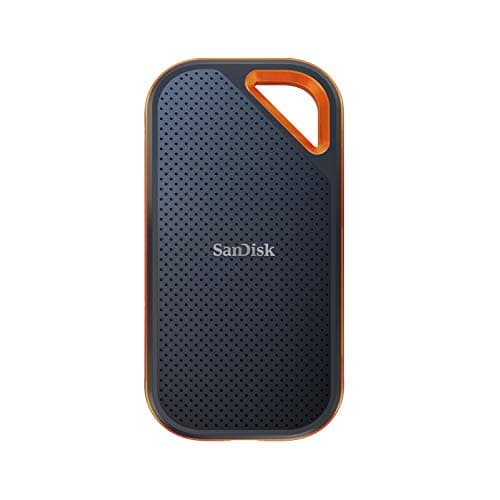
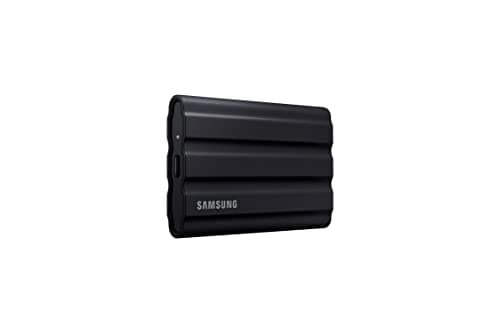
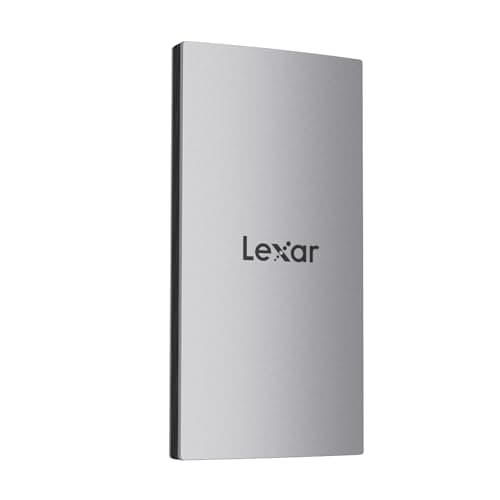
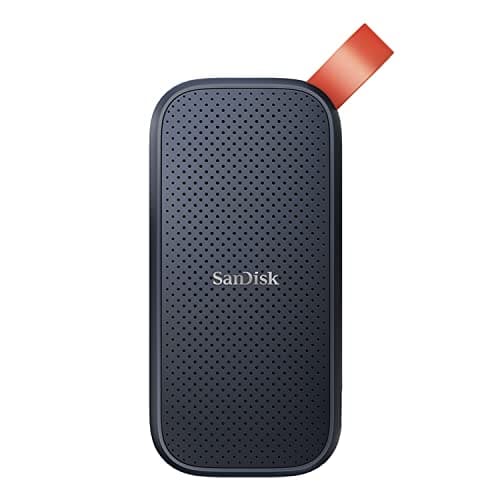
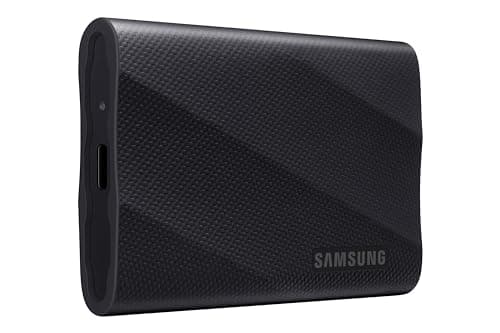
The Samsung T9 is the drive to buy if your computer has a USB 3.2 Gen 2x2 port — at up to 2,000 MB/s it halves the time you spend watching a progress bar. If it does not, the Lexar ES3 hits the 1,050 MB/s ceiling every modern laptop can accept, for considerably less money. Both are solid-state drives with no moving parts, which is the thing that actually matters when a drive lives in a camera bag.
Here is the arithmetic that sends people to this page. A camera recording 4K at a typical bitrate consumes somewhere in the region of a gigabyte per minute. A single afternoon of filming can therefore produce more data than a laptop has spare, and that is before you keep the raw files. A 1TB portable SSD holds roughly the footage from a dozen shoot days — enough to stop deleting things you might want later, which is the real cost of running out of space.
Before the picks, the rule that outranks all of them: one copy is not a backup. Storage fails, gets lost and gets stolen, and footage that exists in exactly one place is footage you are gambling with. The professional convention is three copies of anything you care about, on two different kinds of media, with one of them somewhere else — a working drive, a second drive, and a cloud or offsite copy. That is why the cheapest drive on this list has a place: it is what makes a genuine second copy affordable rather than theoretical.
How to choose a portable SSD
Check your computer's port before you pay for speed
This is the mistake that wastes the most money here. The fastest drives on this list quote around 2,000 MB/s, and they only reach it over USB 3.2 Gen 2x2. Plug one into the far more common USB 3.2 Gen 2port and it falls back to roughly 1,050 MB/s — still fast, but you have paid for a ceiling your laptop cannot reach. Look up your machine's port specification first. If it tops out at Gen 2, buy a Gen 2 drive and spend the difference elsewhere.
SSD, not a portable hard drive
Portable hard drives are cheaper per terabyte and they contain a spinning platter and a head hovering above it. In a bag that gets set down hard, that is a mechanism waiting to fail. Every drive here is solid state: no moving parts, far more shock tolerance, and several times the speed. For camera work the price difference buys real reliability, and it is the single upgrade we would insist on.
Speed versus durability — pick your priority
The drives here fall into two camps. The Samsung T9 and SanDisk Extreme PRO chase speed at up to 2,000 MB/s, which you feel on large offloads and when editing directly from the drive. The T7 Shield trades half that speed for an IP65 rating and a rated three-meter drop resistance. If your work is location-based and outdoors, durability is worth more than throughput; if you offload at a desk, it is the other way round.
Editing off the drive, and what it needs
Editing 4K directly from an external drive rather than copying to your internal disk first saves a lot of time. It needs sustained speed rather than peak speed — a fast drive on a slow port will stutter on a multi-track timeline. As a rough guide, anything above about 1,000 MB/s sustained handles typical 4K creator footage comfortably; 800 MB/s is workable for single-stream editing and starts to struggle with multiple layers.
Capacity: 1TB is the honest starting point
We have deliberately shown 1TB drives throughout because it is the size where the price per terabyte stops being punishing and the capacity stops being frustrating. 500GB fills in a few shoot days at 4K. 2TB is the right buy if you shoot heavily or in higher bitrates, and usually costs less than twice the 1TB. Buy one size up from what you think you need — you will not regret it.
The card comes first
A fast drive does not help if the footage never got recorded cleanly. The camera needs an SD card rated for the bitrate you are shooting, and a card that cannot keep up drops frames or stops recording mid-take. Our SD cards for 4K video guide explains the V30, V60 and V90 ratings and which one your camera actually needs. Get that right first, then worry about where the files live afterwards.