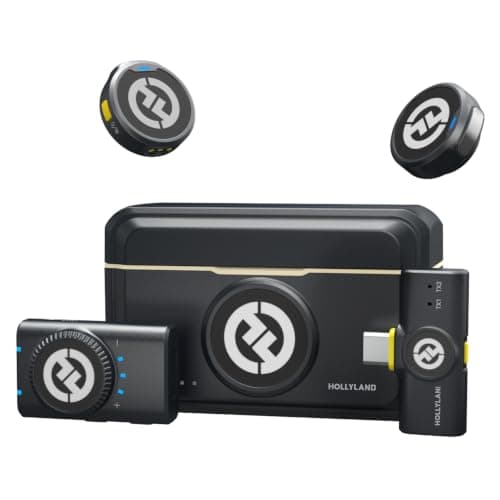
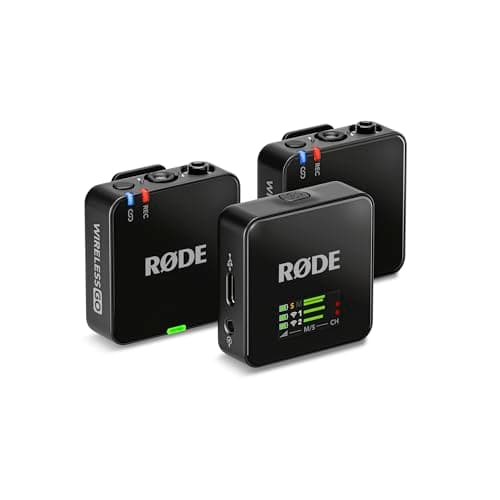
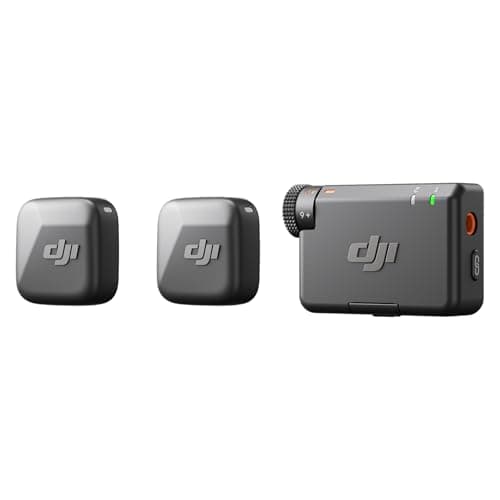
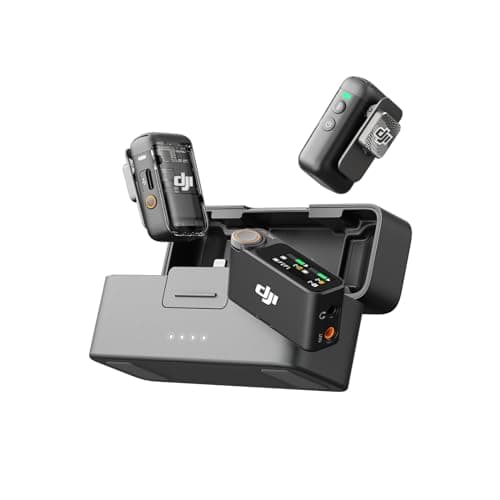
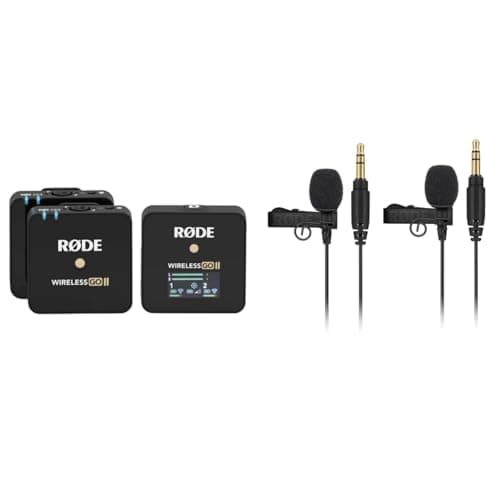
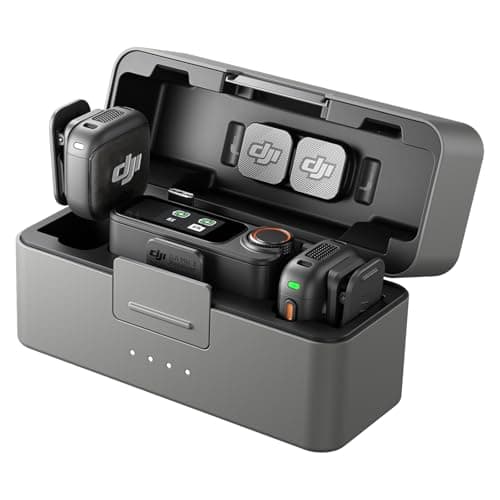
For most creators the DJI Mic 3 is the best wireless microphone: two clip-on transmitters, a charging case, and dual-file 32-bit float recording that makes bad levels recoverable in the edit. If you want almost the same freedom for far less, the Hollyland Lark M2 is the value pick. The rest of this list matches a wireless kit to how you actually record.
A wireless lavalier solves the problem an on-camera shotgun miccan't: it keeps the microphone a few inches from your mouth no matter how far you roam from the camera. Walk-and-talks, interviews, pieces to camera shot from across the room — the voice stays clean and close while the room stays out of it. That is why a wireless kit is the mic most creators graduate to once they start moving around. Every pick below pairs one or two tiny clip-on transmitters with a receiver that sits on your camera's hot shoe and plugs into its mic input.
How to choose a wireless microphone
Wireless kits look alike on a shelf, but four things separate a system you'll love from one you'll fight: how forgiving the recording is, how many people it mics, how discreet the transmitter is, and whether the receiver actually fits your camera. Get those right and the choice makes itself.
1. How forgiving are the levels? (32-bit float)
The single biggest beginner win is 32-bit float onboard recording, found on the DJI Mic 3, the DJI Mic 2 and the Rode Wireless GO III. In plain terms, it captures such a wide range that audio which would have clipped (too loud, distorted) or vanished (too quiet) on a normal system can be pulled back to usable in editing. If you are still learning to set levels — and everyone is at first — this is a genuine safety net that saves takes. Kits without it (the Hollyland Lark M2, DJI Mic Mini and Wireless GO II) still sound excellent; you just set a sensible level before you roll and check it once. The Mic 3 goes furthest of all: it writes two 32-bit float files per transmitter and sets the gain for you. Our DJI Mic 2 vs DJI Mic 3comparison covers what else changed between DJI's two generations.
2. One person or two?
Most kits here ship with two transmitters and one receiver, so you can mic yourself and a guest, or wear a backup, from a single purchase. That is a real saving over systems that make you buy a second kit for a second person. If you only ever record yourself, a one-transmitter kit is cheaper — but the two-transmitter versions cost little more and leave the door open to interviews later.
3. How discreet and comfortable is the transmitter?
The transmitter clips to your collar and, on most modern kits, has a built-in mic so you don't even need a lavalier cable. The lighter and smaller it is, the more you forget it is there and the less it drags on your shirt. The Hollyland Lark M2 and DJI Mic Mini have some of the tiniest, lightest transmitters going; the Rode units are a touch larger but hide a proper backup recorder inside. If you dress up on camera or want the mic invisible, weight and size matter more than a spec sheet suggests.
4. Does the receiver fit your camera and phone?
Check the output before you buy. Camera kits include a receiver with a 3.5mm TRS cable for a mirrorless body's mic input; many also bundle a USB-C receiver for a phone or laptop. The Hollyland Lark M2 camera kit is generous here, packing both a camera and a USB-C receiver. If you shoot on a camera and a phone, a kit with both saves you buying an adapter.
Range, battery and backup recording
- Range is quoted in ideal line-of-sight conditions; walls and bodies cut it down, but every kit here has far more than enough for a room or a small set.
- Onboard/backup recording(Wireless GO II and III) stores a copy on the transmitter itself, so even a brief wireless stutter doesn't cost you the take.
- A charging case (DJI Mic 3 and Mic 2) tops the transmitters up between shoots, so the kit is always ready to grab.
A wireless mic is one piece of the kit. Pair it with a camera that has a mic input, a fast SD card and a tripod, and you have a complete talking-to-camera setup. We cost the whole thing in the beginner camera kit guide.
If you are choosing between the two cheapest kits
The Hollyland Lark M2 and the DJI Mic Mini are the two picks here most people end up weighing against each other, because they are the only two that put a genuine two-person wireless setup under $100. We put them side by side on published specs in DJI Mic Mini vs Hollyland Lark M2. And if you have not yet decided that a clip-on is the right shape of microphone at all, start with lavalier vs shotgun mic.
Using one of these with a phone instead
Every kit on this page is a camera kit first, and the phone question has a different answer — chiefly which of them ships a USB-C receiver rather than only a 3.5mm camera receiver. That comparison, with the adapter traps spelled out, is on best microphones for phone video.